Roblox Animation From Video

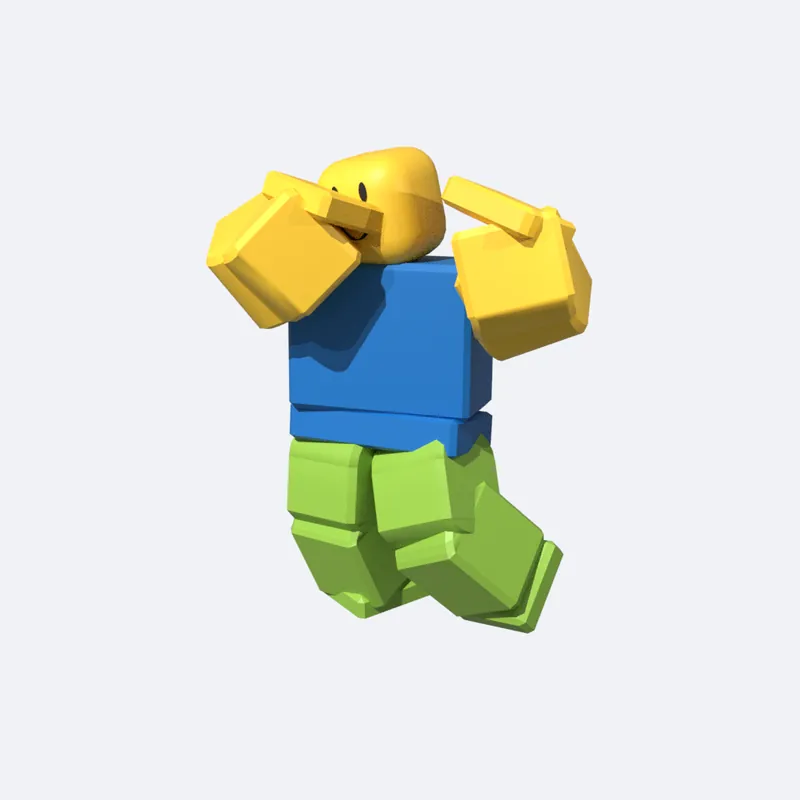
Upload a clip of one person, trim it to the move, and watch it become a Roblox R15 animation next to your video. Download .rbxmx for Studio, or FBX.

Turn a video into motion
  • One person in the shot
  • Whole body in frame, head to feet
  • Phone on a steady surface works best
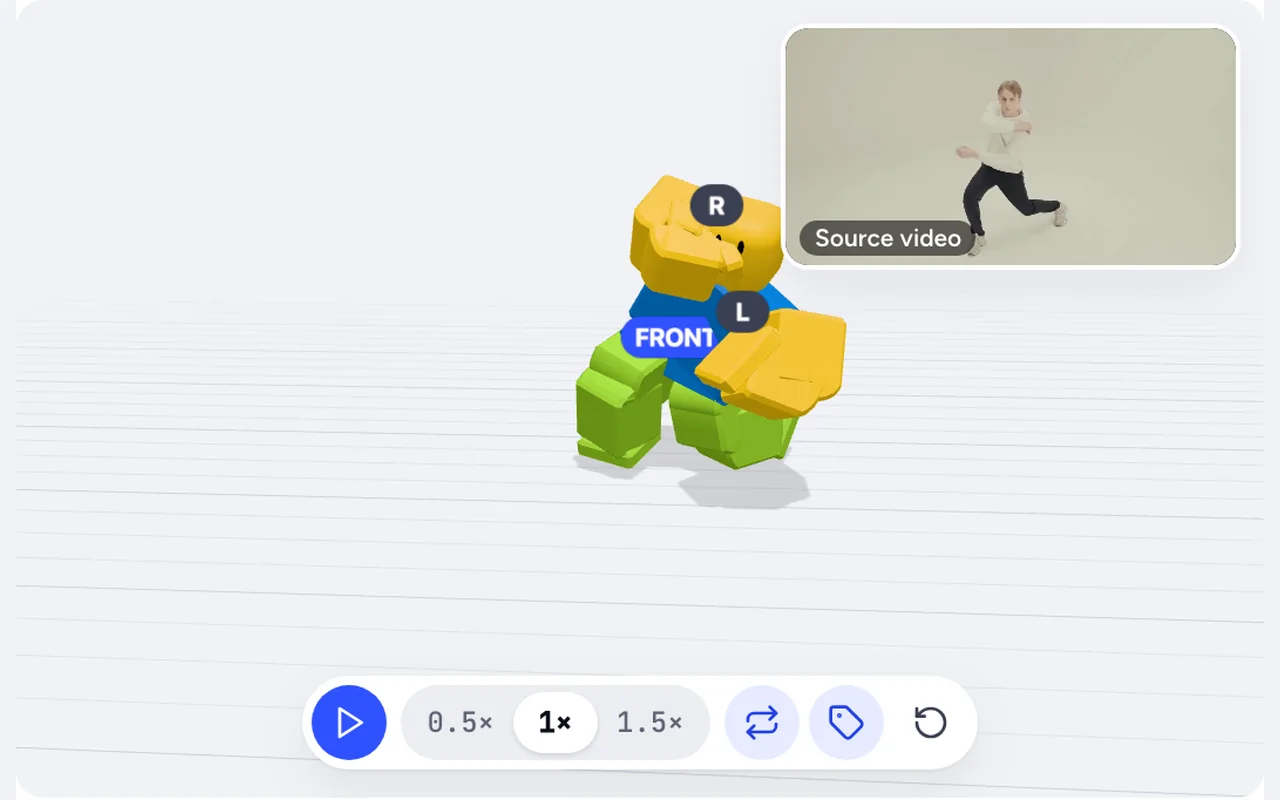
Sample · converted from a dance video
Source video

Source clip: Pexels

Sample · AI-generated. Your result will play here.

From 3 credits per clip · 1 credit per second · 1 free preview a day · Exports: .rbxmx, R15 FBX, Mixamo FBX

Failed runs are refunded automatically · Your video stays private and is deleted after 7 days

To make a Roblox animation from video, upload an MP4, MOV, or WEBM of one person, trim 1 to 20 seconds in your browser, and get an R15 animation to preview in 3D and download as .rbxmx for Roblox Studio. No suit, markers, or plugin needed. It costs 1 credit per second, with a 3-credit minimum.

Information checked October 7, 2026.

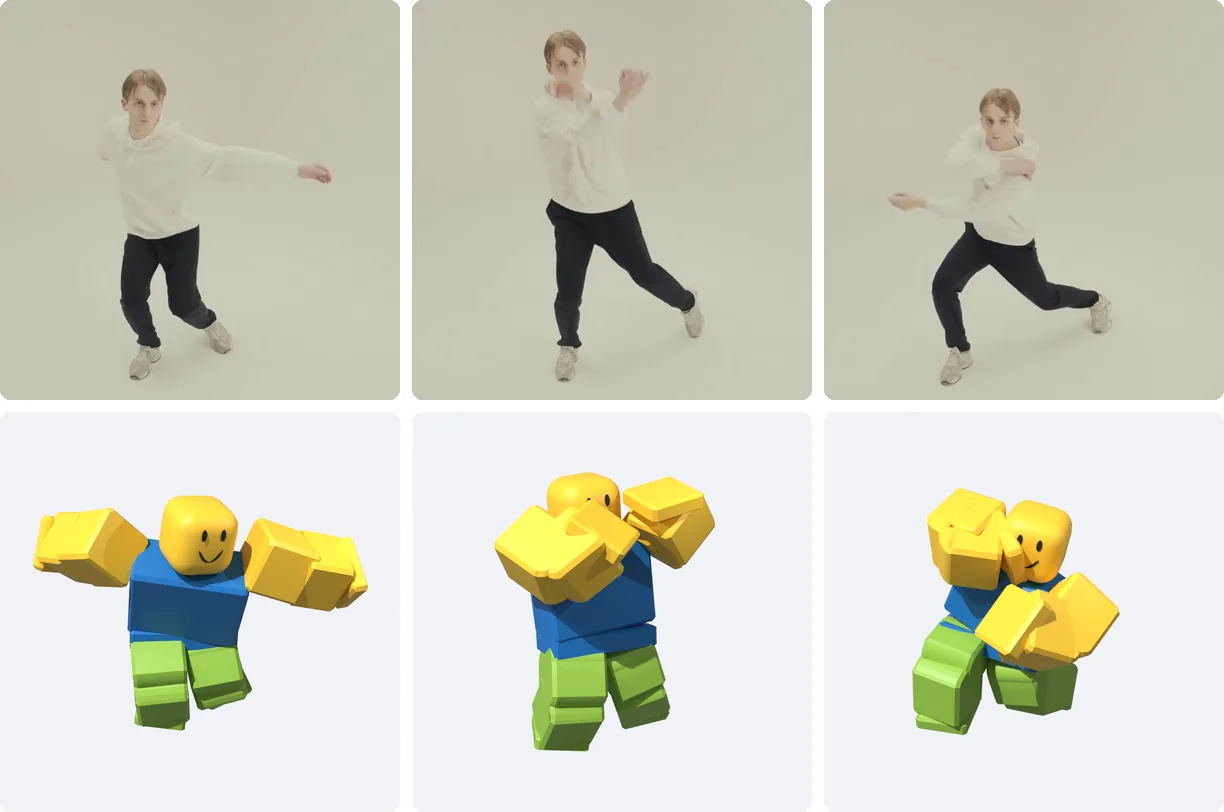
Three frames of a street dance video above the same three poses on an R15 rig
Frames from a dance video, and the same moves on an R15 rig.

How to make a Roblox animation from video in 3 steps

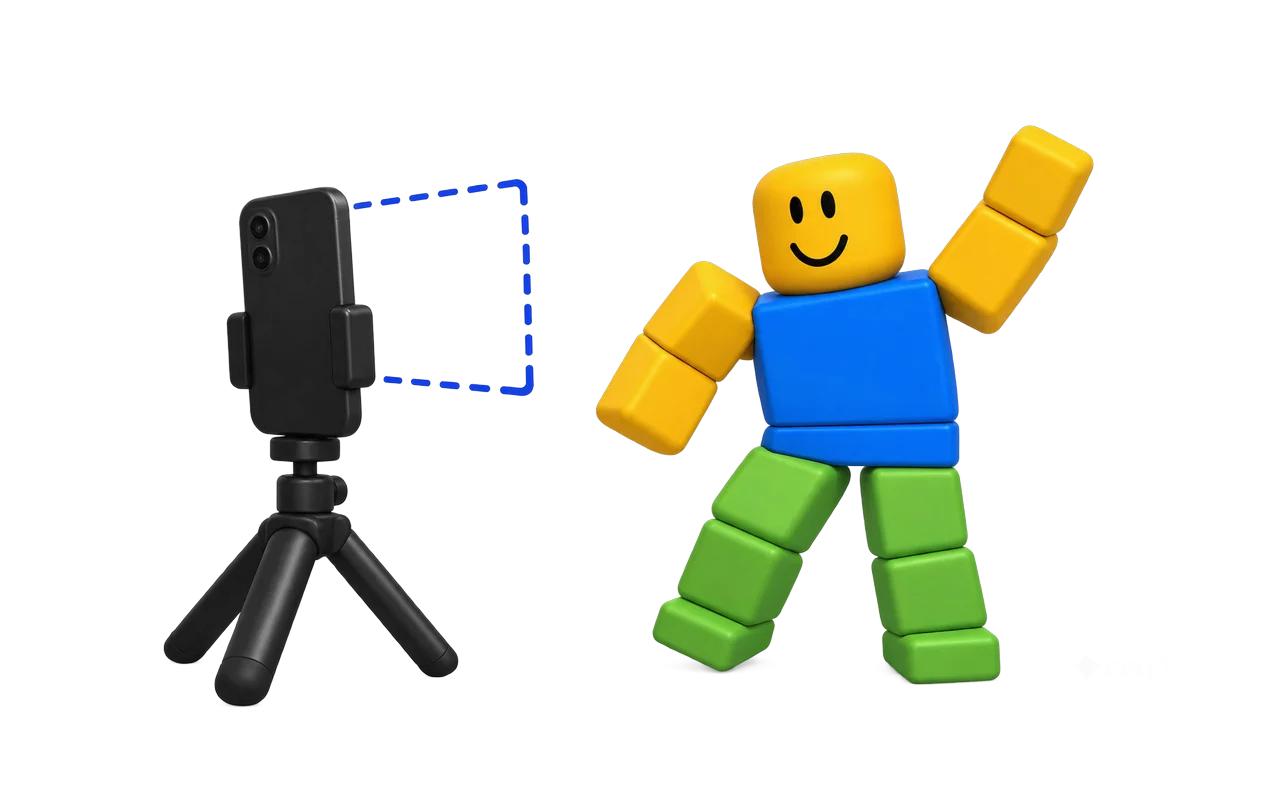
  1. A phone on a small tripod filming one person from head to feet

    Upload a clip

    Drop in an MP4, MOV, or WEBM of up to 500 MB. Film one person, head to feet, with a steady phone.

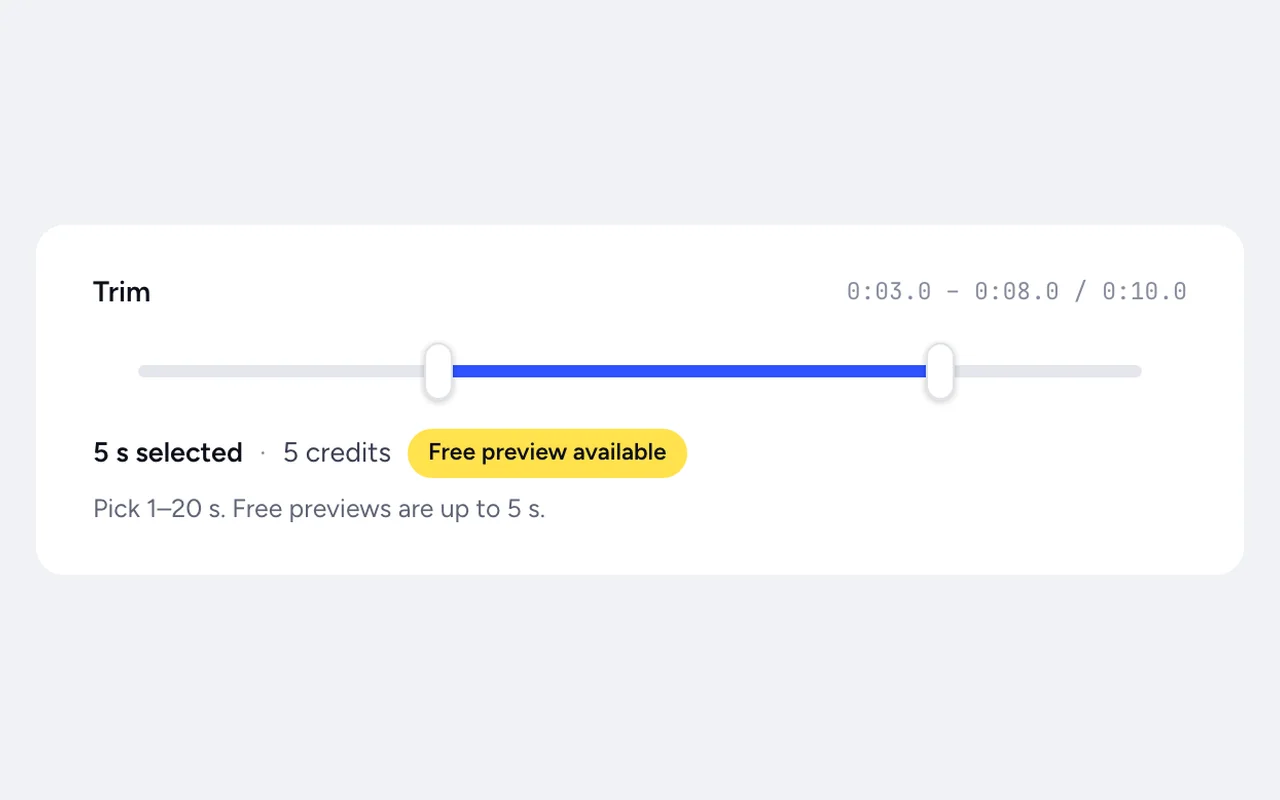
  2. A video timeline with a short selection between two trim handles

    Trim and convert

    Pick the 1 to 20 seconds you need in the browser and choose a motion mode. You see the price on the button before you pay.

  3. An R15 dancer in the 3D viewer with the source video playing in a small corner window

    Compare and download

    Play the R15 result in 3D with your video in a small window beside it. Then download .rbxmx, R15 FBX, or Mixamo FBX.

Why use MocapGen for video to Roblox animation

  • Feet that stay planted

    In Natural mode we lock planted feet in place, keep them above the floor, and smooth out light jitter. The test details below show the numbers.

  • .rbxmx with no plugin

    Use Insert from File in Studio. R15 FBX and Mixamo FBX come too, with no Blender step.

  • Check it against your video

    Compare with source plays your clip over the 3D result, so you can spot a wrong arm before you import.

  • Pay for the seconds you keep

    Trim to the move you need. Failed runs are refunded automatically, so a bad clip doesn't cost you.

How to film a clip that converts well

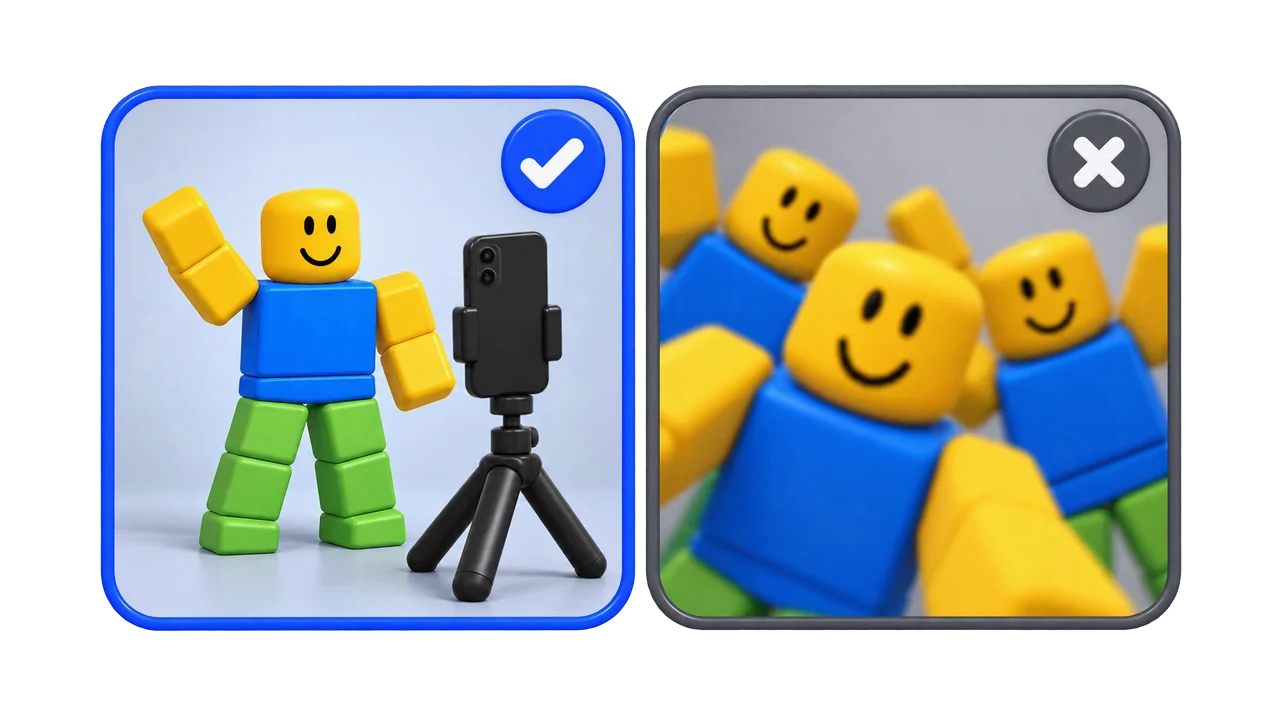
The AI can only use what the camera sees, so the shot matters more than the phone.

One person in full view with a phone on a tripod, beside a crowded handheld shot crossed out
  1. Keep one person in the shot. Clips with more than one person fail, and you get your credits back.
  2. Keep the whole body in frame, head to feet, for the full clip.
  3. Put the phone on a tripod or a steady surface. Handheld video isn't supported yet.
  4. Trim to the move you want. Shorter clips cost less.
  5. Upload the file as it is. Before tracking, we resize every clip so its longest side is at most 1080 pixels, at 30 fps, so there's no need to shrink it first.

What you get: files and motion modes

Each video gives one R15 result. Paid conversions come with three files: .rbxmx for Insert from File in Roblox Studio, R15 FBX for the Animation Editor or Blender, and Mixamo FBX for Unity, Unreal, or Blender.

ModeWhat it doesGood for
Natural (default)Moves through space like the video, with foot cleanupDances, fights, cutscenes
In-placeStays on one spotIdles, walk and run cycles
LoopBlends the last frame back into the firstDances and idles that repeat

What the AI can and can't read from a video

The AI reads body motion from ordinary video, so you skip the suit and the markers. It sees from one camera angle, so a clear, steady shot matters. The limits:

  • One person per clip.
  • R15 only; R6 is not supported.
  • No finger motion on R15, because R15 hands are single parts.
  • Up to 20 seconds per clip.

Test details: one clip, two tools

On October 7, 2026, we ran the same 5-second dance clip through MocapGen and NoCapMocap. Both use the same tracking model, NVIDIA GEM-X, so the test compares what happens after tracking. Both results were R15 at 30 fps, measured by the same script, with distances in leg lengths.

Measure, on our test clipMocapGenNoCapMocap
Foot slide while planted, leg lengths per second
0.015
0.213
Frames with a foot below the floor
0%
9.2%
Frames with both feet off the floor
0%
52%
High-frequency jitter, lower is smoother
0.0047
0.0073

In the source video, the dancer's right foot stays planted the whole time, so frames with both feet off the floor are tracking errors, not jumps.

Six moments of the test dance: the source video, the MocapGen R15 result, and the NoCapMocap R15 result side by side
The same 5-second clip, every column labeled by tool. Source clip from Pexels.

Where NoCapMocap did better: its result moved about 23% more by our motion-size measure, which can read as punchier. It took 2 minutes 18 seconds from submit to done, including upload and queue. We haven't timed ours end to end in production yet, so we make no speed claim.

One clip can't settle which video to Roblox animation tool is best. We ran this test ourselves, and we make one of the two tools. Foot cleanup runs in Natural mode only. A fuller same-video comparison report is coming. For text prompts, see our same-prompt text test against NoCapMocap.

Video to Roblox animation tools compared

Here's how the ways to turn a video into a Roblox animation compare.

ToolClip lengthGets into Studio asFoot cleanup
Roblox Animation CaptureUnder 15 secondsKeyframes in Studio's timelineNo settings
NoCapMocapUp to 20 secondsStudio plugin or copy and paste; no .rbxmxNot described for video
MocapGen1 to 20 seconds.rbxmx, R15 FBX, or Mixamo FBXOn in Natural mode

Roblox Animation Capture is built into Studio and still in beta, so you never leave Studio. NoCapMocap's Motion Lab plugin brings results straight into Studio, which we don't offer. DeepMotion and QuickMagic take longer clips and can track hands and several people. Rokoko Video tracks one person. All three hand you FBX files to import into Studio yourself, and none of them exports .rbxmx.

What you can make from a video

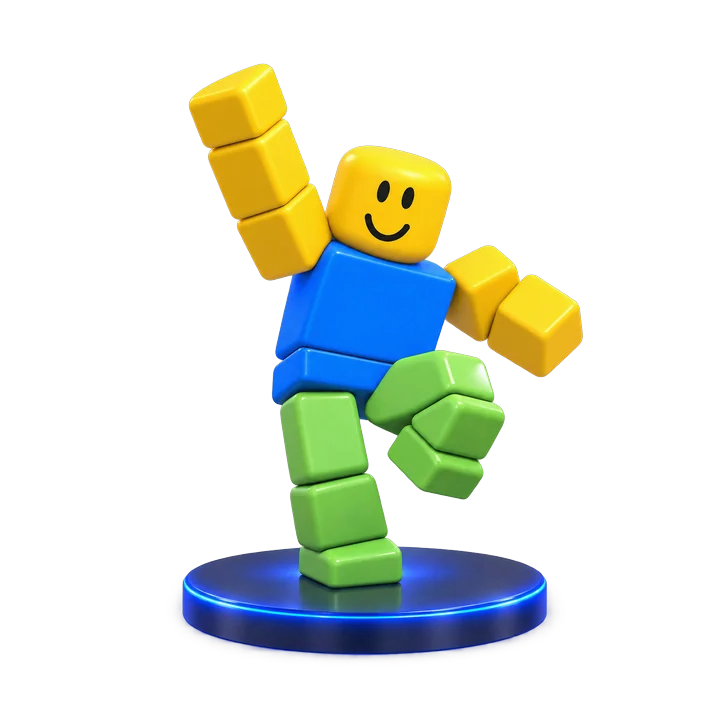
  • An R15 avatar mid dance move on a stage

    Dances

    Record a dance for a showcase or hangout game. Pick Loop if it should repeat.

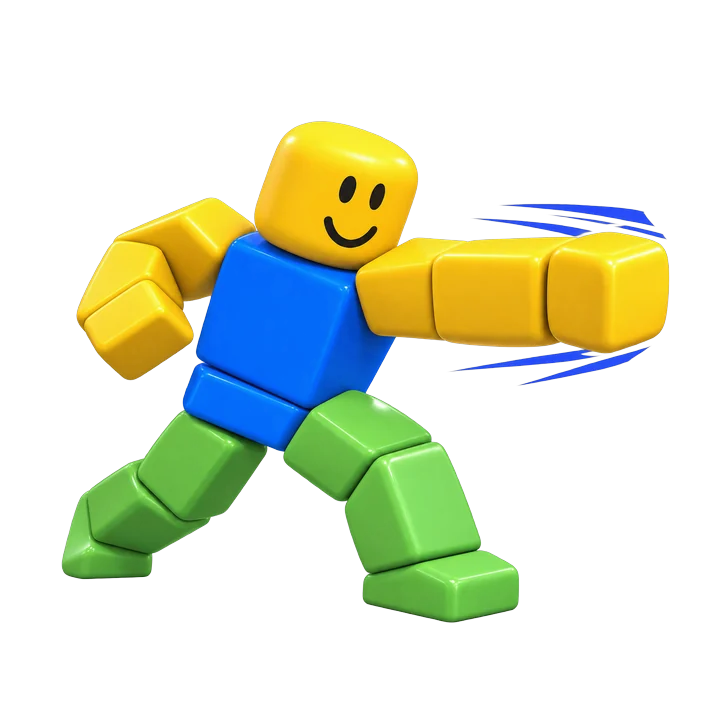
  • An R15 fighter throwing a punch with motion lines

    Fight moves

    Act out a punch or a dodge instead of keyframing every pose.

  • Two R15 avatars acting out a scene in front of a phone on a tripod

    Cutscenes

    Film each character's part of a story scene. Natural mode keeps their moves through space.

  • An R15 avatar walking in place on a grid

    Walks and idles

    Film a walk, pick In-place, and let your game move the character. For walks from text, try our Roblox walk animation generator.

FAQ

Can I make a Roblox animation from a video?
Yes. Upload a clip of one person, trim it to 1 to 20 seconds, and download the R15 result as .rbxmx for Insert from File in Roblox Studio.
What's the best converter to turn a video into a Roblox animation?
It depends on what you need. Studio's built-in capture keeps you inside Studio but takes clips under 15 seconds. MocapGen gives you a .rbxmx file with planted feet and a side-by-side check against your video. DeepMotion and QuickMagic take longer clips and track hands, but only export FBX. The table above compares them.
Do I need a plugin to turn a video into a Roblox animation?
No. Download the .rbxmx file and use Insert from File in Roblox Studio. If you work in the Animation Editor or Blender, use the R15 FBX instead.
How do I copy a dance from a video and use it as a Roblox emote?
Film the dance with the phone on a tripod, upload it, trim it to the part you want, and pick Loop if it should repeat. Download the .rbxmx and play it in your game as an emote or dance. Selling an emote in the Roblox Marketplace follows Roblox's own rules for emotes.
How is this different from the video capture built into Roblox Studio?
Roblox Studio has its own capture tool that turns video into keyframes. It's in beta, takes clips under 15 seconds, and has no settings for feet or smoothing. MocapGen takes clips up to 20 seconds, cleans up planted feet in Natural mode, and also gives you FBX files.
Can I film it handheld?
Not yet. For now, put the phone on a tripod or a steady surface and keep it still for the whole clip.
Can I turn a video into a Roblox animation for free?
Yes, as a preview. Signed-in users get 1 free preview a day, shared between text and video. A free video preview can be up to 5 seconds, plays online only, and can't be downloaded. Converting with credits gives you every file.
How much does converting a video cost?
1 credit per second of the trimmed clip, rounded up, with a 3-credit minimum. A 2-second clip costs 3 credits, a 5.05-second clip costs 6, and 20 seconds costs 20. Credit packs start at $7 for 25 credits.
What happens to my video?
Only you can see it. We keep it for 7 days so the compare view works, then delete it. It's never made public and never used to train AI models. Tracking runs on our GPU provider, Modal.
What if the conversion fails?
You get your credits back automatically. That covers clips where we can't find a person, find more than one person, can't read the video, or hit an error.
Does NoCapMocap use the same model?
Yes. In our test, NoCapMocap's video result came from NVIDIA GEM-X, the same model we use under the NVIDIA Open Model License. The difference is what happens after tracking: our foot cleanup, the .rbxmx file, and the compare view. MocapGen is not affiliated with NoCapMocap.


Turn your next clip into an R15 animation

Film it, trim it, and watch it on an R15 rig before you pay for the files. Converting a video starts at 3 credits.

Upload a video

1 free preview a day · Failed runs refunded · Not affiliated with Roblox Corporation.

An R15 avatar stepping out of a phone screen mid dance