

Roblox Walk Animation Generator

Describe the walk you want, from sneaky to proud, and get 4 R15 variations to preview in 3D. Or start from a walk below.
English only · 45/300
Try one:
a relaxed casual walk with natural arm swing

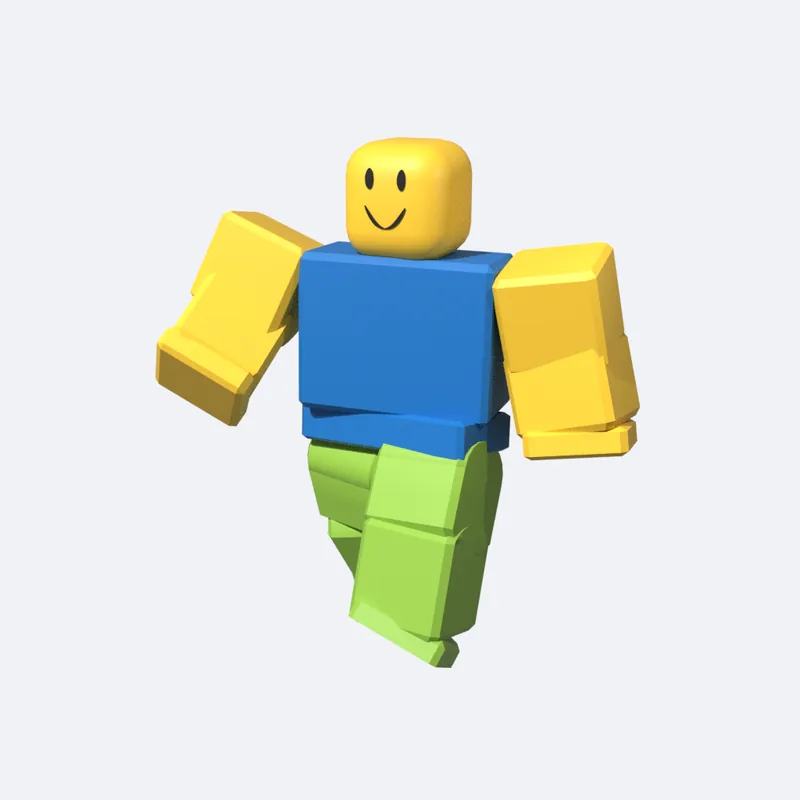
Sample · AI-generated. Your result will play here.

From 4 credits per generation · 1 free preview a day · Exports: .rbxmx, R15 FBX, Mixamo FBX

Walk animations made with MocapGen

Play any walk below for free. Walks from our free library download free once you sign in; generating your own starts at 4 credits.

  • Casual walk

    R15 · 4 s · Loop

  • Sneaky walk

    R15 · 4 s · Loop

  • Tired walk

    R15 · 4 s · Loop

  • Confident strut

    R15 · 4 s · Loop

  • Zombie shuffle

    R15 · 4 s · Loop

  • Sprint start

    R15 · 3 s · Natural

Every walk here is AI-generated with MocapGen. Library walks download free once you sign in; community gallery walks are free for subscribers and 1 credit otherwise.

A Roblox walk animation is the clip your character plays while it moves. Here you can make your own: describe the walk in English, get 4 R15 variations to preview in 3D, and download .rbxmx for Roblox Studio. Each run starts at 4 credits.

Information checked October 4, 2026.

How to make a custom walk in 3 steps

  1. Describe the walk

    Say who is walking and how: tired, sneaky, proud, hurt. Keep Motion on In-place.

  2. Compare 4 takes

    Play each variation on an R15 dummy and watch the feet and arms. Keep the stride that fits.

  3. Download for Studio

    Download the .rbxmx and use Insert from File in Roblox Studio.

New to animating? Our guide on how to make a Roblox animation starts from the basics.

Why make your own walk

  • A walk that fits the character

    A zombie, a knight, and a shopkeeper shouldn't share one walk. Describe the difference and see it.

  • In-place by default

    The hips stay over one spot, so your game's movement code stays in control.

  • 4 takes per run

    Walks are subtle. Compare 4 takes side by side and keep the best one.

Walk ideas to try

  • A guard on patrol, slow and alert, head turning now and then.
  • A shy walk with small steps and hands held close.
  • A heavy robot walk with stiff knees.
  • A happy bounce walk with a little skip.
  • Walking through snow, arms wrapped around the body.
  • An old man's walk, slightly bent, short steps.

How to use a custom Roblox walk animation in your game

Download the .rbxmx and choose Insert from File in Studio. Publish it from the Animation Editor to get an animation ID. Our Roblox Animation Editor guide walks through that step.

Then point the Animate script at your walk. In the Animate script, the walk lives at walk › WalkAnim; set its AnimationId to rbxassetid:// followed by your ID.

What you download

Every paid walk comes with three files: .rbxmx for Insert from File in Studio, R15 FBX for the Animation Editor or Blender, and Mixamo FBX for Unity, Unreal, or Blender. Free previews play online only and can't be downloaded.

In-place or Loop for walking?

Pick In-place for a walk your game moves with the Humanoid; the hips stay over one spot. Pick Loop when you care most about the last step blending back into the first. Each run uses one motion mode, so the choice is per generation.

Looking for a walk animation ID?

Many people search for a ready-made ID to paste in. MocapGen doesn't hand out catalog IDs. You make the walk, publish it from Studio, and get an ID that belongs to your own account.

Where custom walks help

  • NPC patrols

    Guards, shoppers, and villagers that walk like who they are.

  • Hurt and tired states

    Swap in a limp at low health or a slow drag when stamina runs out.

  • Story video scenes

    Give each character in a YouTube story their own walk.

FAQ

Can I get a Roblox walk animation ID here?
Not a shared catalog ID. You download the walk, publish it from Roblox Studio's Animation Editor, and get an ID on your own account.
Where can I find free Roblox walk animation IDs?
Roblox's Creator Store lists free walk animations, and developers share walk packs on the Roblox Developer Forum. Many are R6, so check the rig first. A shared ID still belongs to the account that published it, and your game can only load it if that animation's permissions allow it. For a walk you own and can change, generate one here from 4 credits.
Should my walk be In-place or Loop?
In-place, if your game moves the character with the Humanoid. Choose Loop when a seamless repeat matters more than staying on one spot.
What's a walk cycle, and how long should mine be?
A walk cycle is one full stride: two steps, one with each leg, ending in the pose it started from so it can loop. Make your clip one full cycle long. MocapGen accepts anything from 0.5 to 10 seconds.
My walk looks like it's sliding or floating. What do I do?
Generate it with In-place on, so the hips stay over one spot and your game's movement code moves the character. If the feet still seem to glide, try a slower or faster pace in your prompt until the steps match how fast your character moves.
Are these walk animations free?
Previewing is free, and walks from our free Roblox animations library download free once you sign in. Signed-in users also get 1 free preview generation a day, up to 4 seconds. Your own walks use credits, and community gallery walks download free on a subscription or for 1 credit otherwise.
Do these walks work on R6 characters?
No. Every walk here is R15 only; R6 is not supported. For an R6 game, you'll need a walk animation made for the R6 rig.
How long can a walk animation be?
Anywhere from 0.5 to 10 seconds. Anything up to 4 seconds costs the 4-credit minimum; after that it's 1 credit per second, so 5 seconds costs 5 credits and 10 seconds costs 10.

Make a walk that fits your character

Type the walk, compare 4 takes, and drop the best one into Studio. Your next Roblox walk animation is one prompt away.

Generate a walk

From 4 credits · 1 free preview a day · Not affiliated with Roblox Corporation.